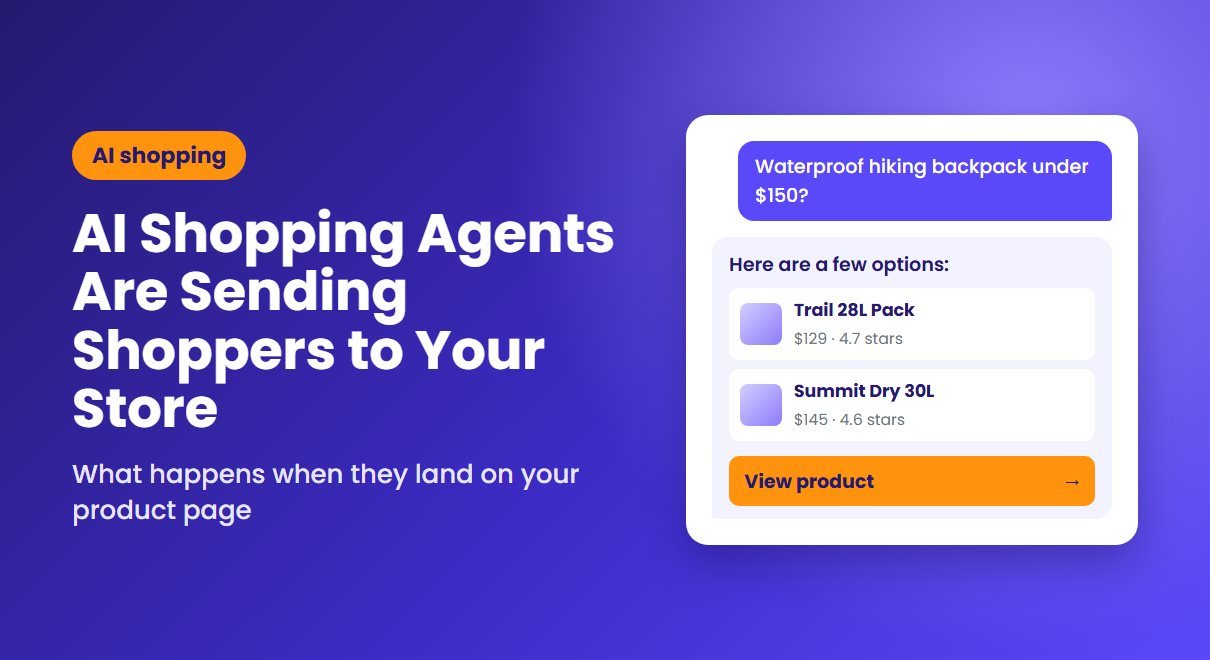
A shopper asks ChatGPT for a waterproof hiking backpack under $150. They get a shortlist, compare a few options in the chat, and click one. They don't arrive on your homepage. They land on a product page, with most of their research already done.
That's now the most common way AI shoppers arrive. In Shopify's Q1 2026 data, more than half of AI-referred sessions started on a product page, compared with 20% of sessions from organic search. Whatever happens on that page decides the sale.
The checkout stayed with you
For a while it looked as if AI assistants would handle the purchase too. That changed in March 2026, when OpenAI scaled back Instant Checkout in ChatGPT and let merchants use their own checkout instead. "We've found that the initial version of Instant Checkout did not offer the level of flexibility that we aspire to provide," the company said, as Modern Retail reported.
The same report quoted Walmart: items bought directly inside the chatbot converted at a rate three times lower than items where shoppers clicked through to Walmart's site. For now, AI handles discovery and your store handles the sale.

How big is AI traffic, really?
Small, but growing fast. Shopify says AI chatbot referral sessions grew more than 8x year over year in Q1 2026, and AI-referred orders nearly 13x. By the second quarter, AI-driven traffic and orders had roughly tripled year over year. Adobe expects AI traffic to US retail sites to rise 130% this holiday season.
Search isn't going anywhere, though. Shopify President Harley Finkelstein said traditional search still accounts for roughly a third of all storefront sessions. What makes AI traffic worth attention is its quality, not its volume:

What AI shoppers need when they land
These visitors have already compared options. They don't need persuading from scratch. They need the page to confirm what the AI told them, and to answer whatever's left.
The answer to their last question
The AI can describe the product, but it may not be able to tell them the total cost, when it will arrive or how returns work. Put shipping costs, delivery dates and your returns policy where they're visible without scrolling. If a question still isn't answered, a chat option helps: Whatsy lets shoppers ask on WhatsApp, and AgentStack puts trained human agents on live chat.
Proof that the recommendation holds up
Reviews, recent orders and real stock levels all tell a shopper they've made a sensible choice. Notifications from Sales Pop up show that other people are buying, and TimexBar can display genuine low-stock levels. Keep it honest. Someone who has just compared five stores in a chat will notice anything that looks invented.
Details that match what the AI showed
If the chat showed one price and your page shows another, or a size the AI said was available is sold out, trust goes fast. Shopify advises keeping pricing, attributes and availability accurate in your product data, and adding product and review structured data, since that's what AI platforms draw on.
In practice, that comes down to three checks. Product titles should say what the item is in plain words, not just a brand or collection name. The attributes shoppers ask about, such as size, material and compatibility, should be filled in. And stock levels should update promptly, so the assistant and your page tell the same story.
A way back if they aren't ready
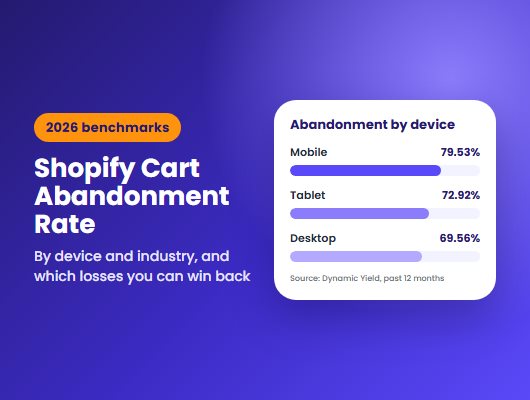
Some AI shoppers are still comparing. If they leave, you can only bring them back if you have their email. Capture it before they go, as we covered in our look at which abandoned carts are recoverable.
How to see your AI traffic in Shopify
Open a report such as Sessions by referrer in Shopify Analytics. Then, as Shopify explains, open Filters, choose Referrer name and enter "ChatGPT". Use Order referrer name to see orders. Repeat for other assistants, such as Perplexity or Copilot, and compare their conversion rate with Google's.
Treat the result as a minimum. Some visits from AI apps arrive without referrer information and are counted as direct traffic.
The comparison is the useful part. If AI visitors convert better than search visitors on your store, your product pages are doing their job. If they convert worse, start with the checks above.
Where to start
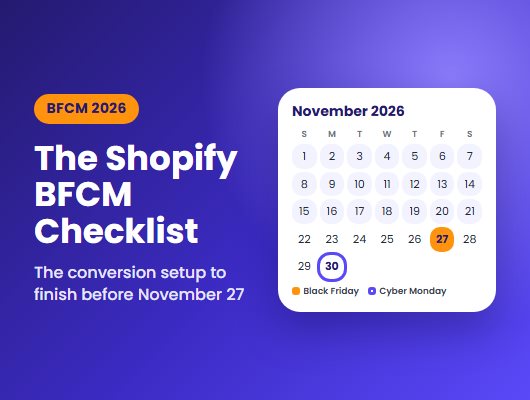
Open your five best-selling product pages on your phone and pretend you've just arrived from a chat. Can you see the total cost, delivery date, returns policy and some proof that others bought it, within ten seconds? Fix whatever's missing before the holiday rush. Our BFCM 2026 checklist covers the rest of the setup.